



Wedding celebration with couple dancing
Musician in recording studio
Modern coworking space with natural light
Professional photo studio shoot
Yoga class at sunrise
  • Home
  • General
  • Guides
  • Reviews
  • News
Guides

Bypass Google Verification On Samsung Galaxy A05 May 2026

Bypassing Google verification on the Samsung Galaxy A05 can be achieved through various methods, including using the Google account recovery process, third-party tools, APK files, or professional tools. However, it is essential to be aware of the risks and limitations involved, including potential security risks, warranty voidance, and the possibility of bricking the device. Users should exercise caution and consider seeking professional assistance if they are unsure about the process.

FRP is a security feature that is triggered when a user performs a factory reset on their device. After a reset, the device will prompt the user to enter their Google account credentials to verify ownership. This feature is designed to prevent unauthorized users from accessing the device and its data. Bypass Google Verification on SAMSUNG Galaxy A05

Google verification, also known as Factory Reset Protection (FRP), is a security feature implemented by Google to protect Android devices from unauthorized access. While this feature is designed to safeguard users' data, it can sometimes become a hindrance for legitimate owners who want to reset their devices or bypass the verification process. In this paper, we will explore the methods and techniques for bypassing Google verification on the Samsung Galaxy A05. Bypassing Google verification on the Samsung Galaxy A05


Book, Host, and Build. All on One Platform.

Find Space

Explore and book unique spaces for everyday work, play, meetings, events, and more.

Book

Become a Host

Maximize revenue and reach new customers by becoming a Host on DropDesk.

Host

Create a Marketplace

Launch a booking marketplace for any industry (spaces, rentals, services) with zero code.

Launch

How DropDesk Works

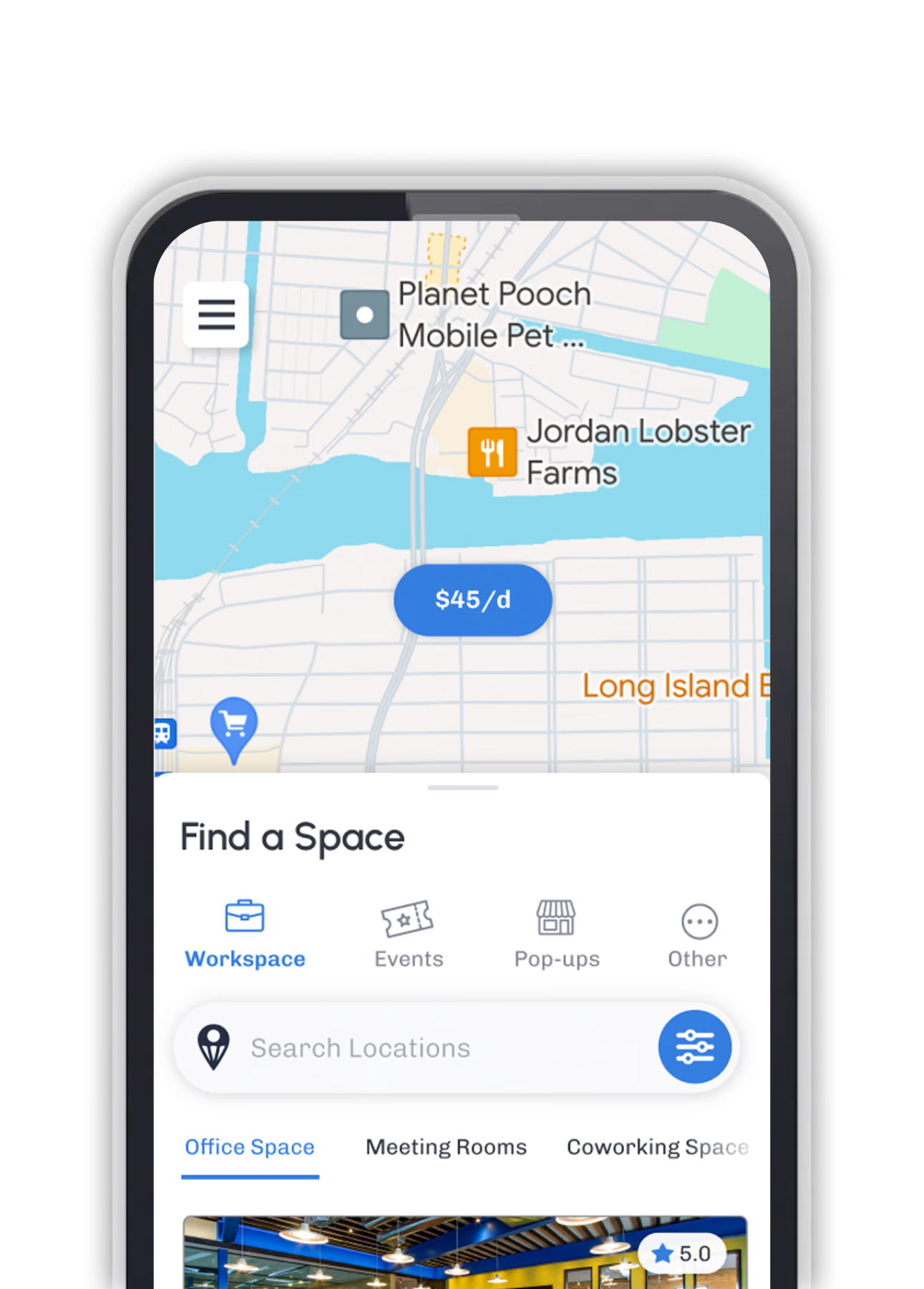
Person using mobile app to discover spaces

Discover Spaces

Browse thousands of unique spaces, activities, and services. Filter by location, amenities, and price to find your perfect match.

Book instantly on mobile

Book Instantly

Book in seconds with our easy booking process. Choose your date, time, and add-ons with just a few taps.

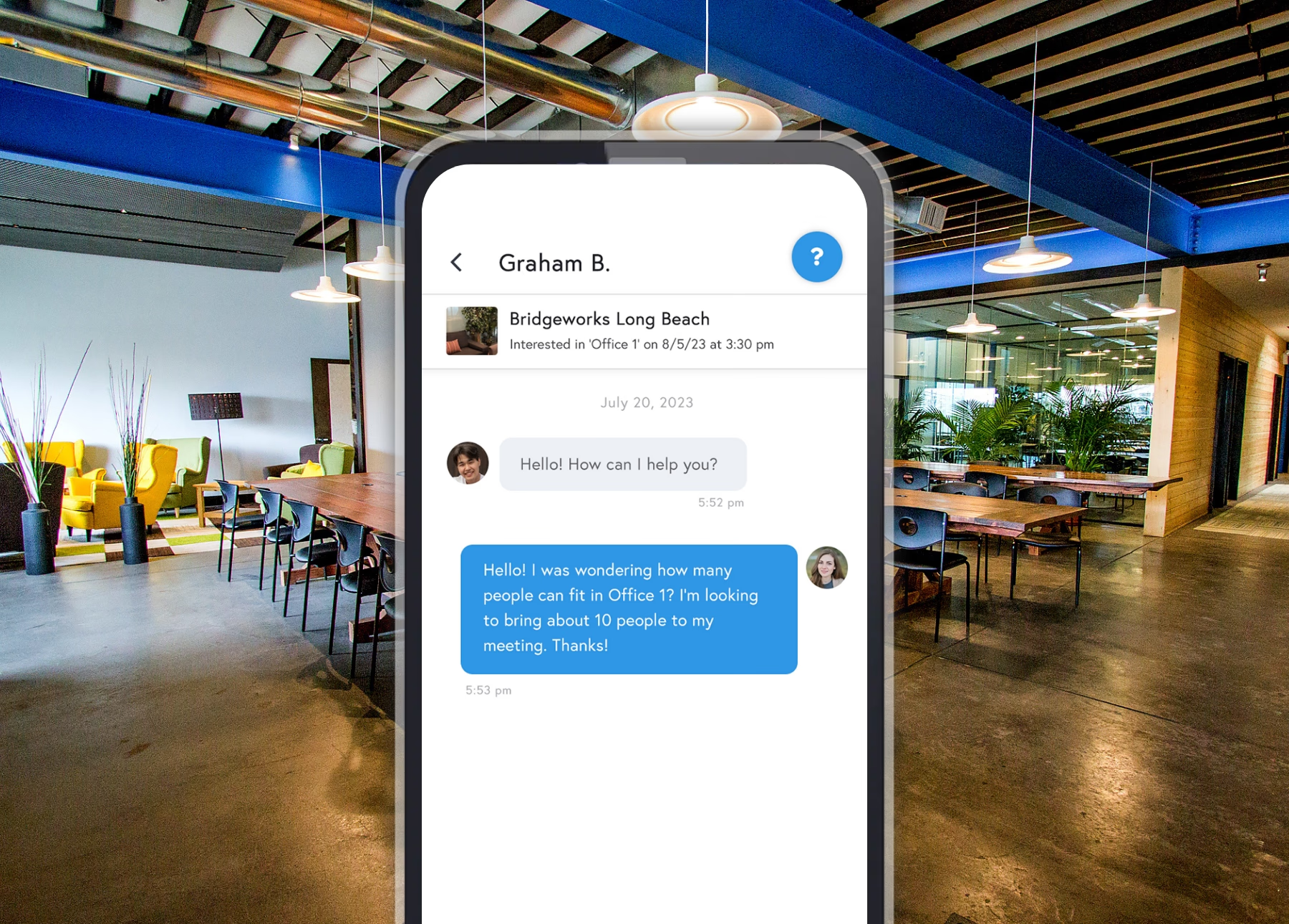
App messaging interface with host

Communicate

Have questions? Message Hosts. Access detailed directions, guest instructions, and everyting you need for a great experience.

Experience and rebook

Experience & Rebook

Discover everything your space has to offer. Enjoy the unique amenities included with your booking and easily rebook.

Wedding celebration
Recording studio
Modern coworking space
Professional photo studio
Wellness yoga studio

Wedding Venue - Brooklyn, NY

Become a Host

Monetize every part of your venue. List your unique spaces, professional services, and bookable activities on DropDesk. Get discovered by local users in your area looking for new ways to work, meet, and create.

Start Hosting
DropDesk App on iPhone

Download the App

Book your favorite spots on the go. Available on iOS and Android.

Download on theApp Store
GET IT ONGoogle Play

Bypassing Google verification on the Samsung Galaxy A05 can be achieved through various methods, including using the Google account recovery process, third-party tools, APK files, or professional tools. However, it is essential to be aware of the risks and limitations involved, including potential security risks, warranty voidance, and the possibility of bricking the device. Users should exercise caution and consider seeking professional assistance if they are unsure about the process.
FRP is a security feature that is triggered when a user performs a factory reset on their device. After a reset, the device will prompt the user to enter their Google account credentials to verify ownership. This feature is designed to prevent unauthorized users from accessing the device and its data.

Google verification, also known as Factory Reset Protection (FRP), is a security feature implemented by Google to protect Android devices from unauthorized access. While this feature is designed to safeguard users' data, it can sometimes become a hindrance for legitimate owners who want to reset their devices or bypass the verification process. In this paper, we will explore the methods and techniques for bypassing Google verification on the Samsung Galaxy A05.

DropDesk Spaces
Download on theApp Store
GET IT ONGoogle Play

Solutions

  • Search
  • Host
  • Build

Hosting

  • List a Space
  • List a Service
  • List an Activity
  • Host Portal

Platform

  • Explore Features
  • Use Cases
  • Guides
  • Partnerships

Resources

  • Mission
  • Features
  • Advertise
  • Tools
  • Blog

Connect

  • Get Help

© 2026 DropDesk LLC. All rights reserved.

Terms of ServicePrivacy PolicyCookie Policy

Copyright © 2026 Urban Rising Tribune